Find Out Why Your Wi-Fi Isn't Working
Dropouts, dead spots and slow connections usually have more than one cause. This health check scores the six areas IPTel's Cisco wireless engineers look at first.
24 questions, about 5 minutes, no cost. See the score straight away and get a full report by email.
Signs Your Wi-Fi Needs a Health Check
Calls Drop on the Move
Teams, Webex or Wi-Fi phone calls break up when people walk between rooms or floors.
Problems Come and Go
The Wi-Fi is fine one hour and slow the next, or the trouble spots seem to move around.
Devices Need a Restart
Scanners, tablets or laptops have to be reconnected after moving between areas.
Complaints Keep Coming
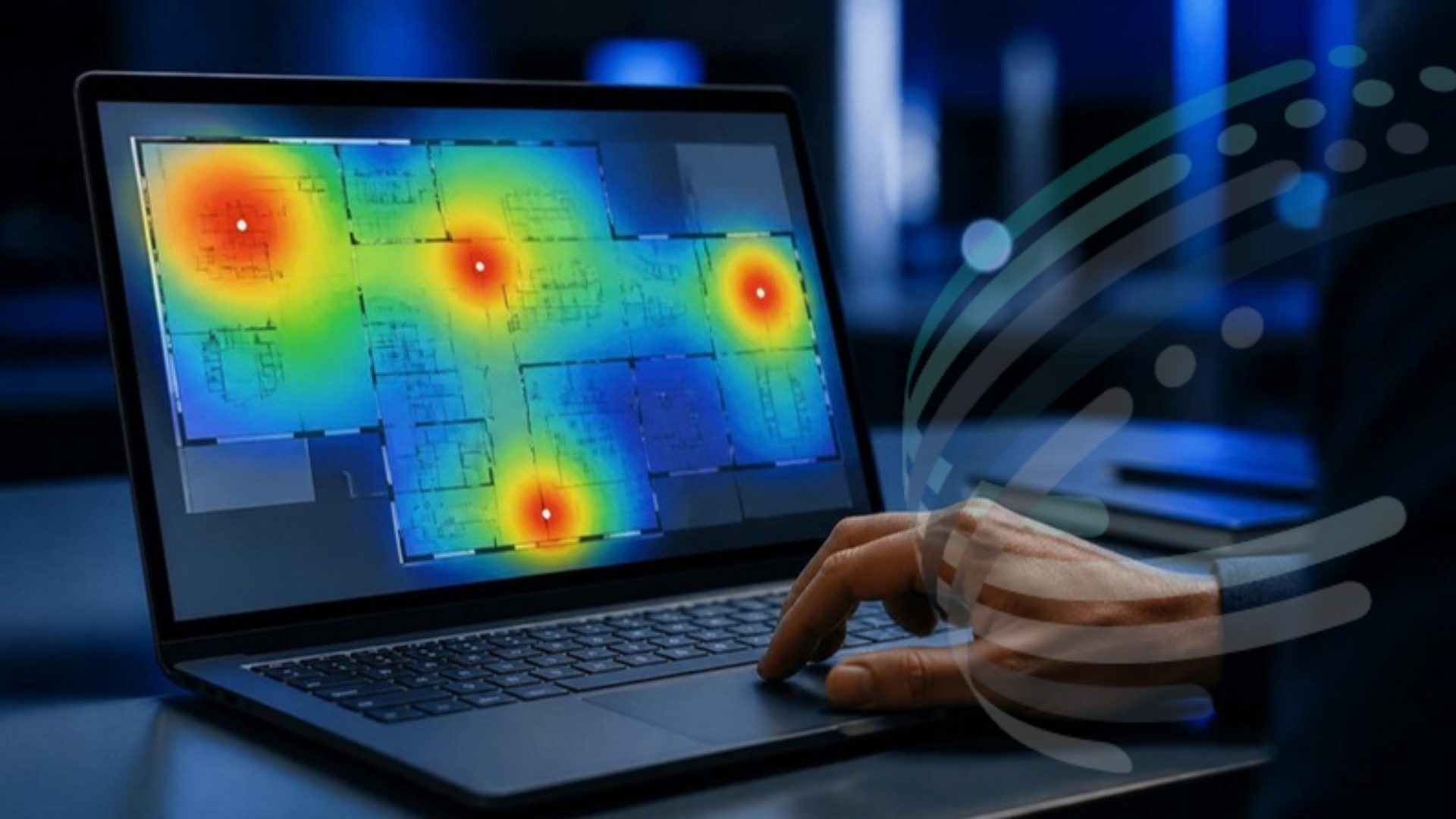
The heatmaps look green, but users still report slow or unreliable Wi-Fi.
The Health Check Covers Six Areas
The same areas a Wi-Fi Assurance Review measures onsite, scored from the answers given.
Coverage
Dead spots, weak signal, and areas that have changed since the Wi-Fi was designed.
Roaming
Whether calls, scanners and laptops stay connected as people move around.
Interference and RF Tuning
Channels, transmit power and nearby networks that make Wi-Fi vary through the day.
Capacity and Performance
How the Wi-Fi copes with busy rooms, video calls and large files.
Configuration
SSIDs, settings and software, checked against Cisco and industry best practice.
Visibility and Support
Whether the team can see what went wrong, and how quickly problems get fixed.
How It Works
- 1
Answer 24 Questions
Multiple choice, about the symptoms users see. "Not sure" is always an option.
- 2
See Your Score
An overall score and a score for each area, on screen straight away.
- 3
Get the Report
A full report by email: what each score means and what to check first.
Wi-Fi Health Check: FAQs
Get a Clear View of Your Wi-Fi
Five minutes now can save weeks of chasing intermittent problems.